 TieTie
TieTie 1.0, the first time we meet.
macOS 15 and up, native on Apple Silicon. Under a minute from install to using it.
Five steps, under a minute.
Every step has a picture, so just follow along. TieTie lives in the menu bar, which means it won’t show up in your Dock. Look for it in that row of small icons at the top right.
Open the .dmg
Double-click the file you downloaded. A window opens with TieTie and a shortcut to your Applications folder.
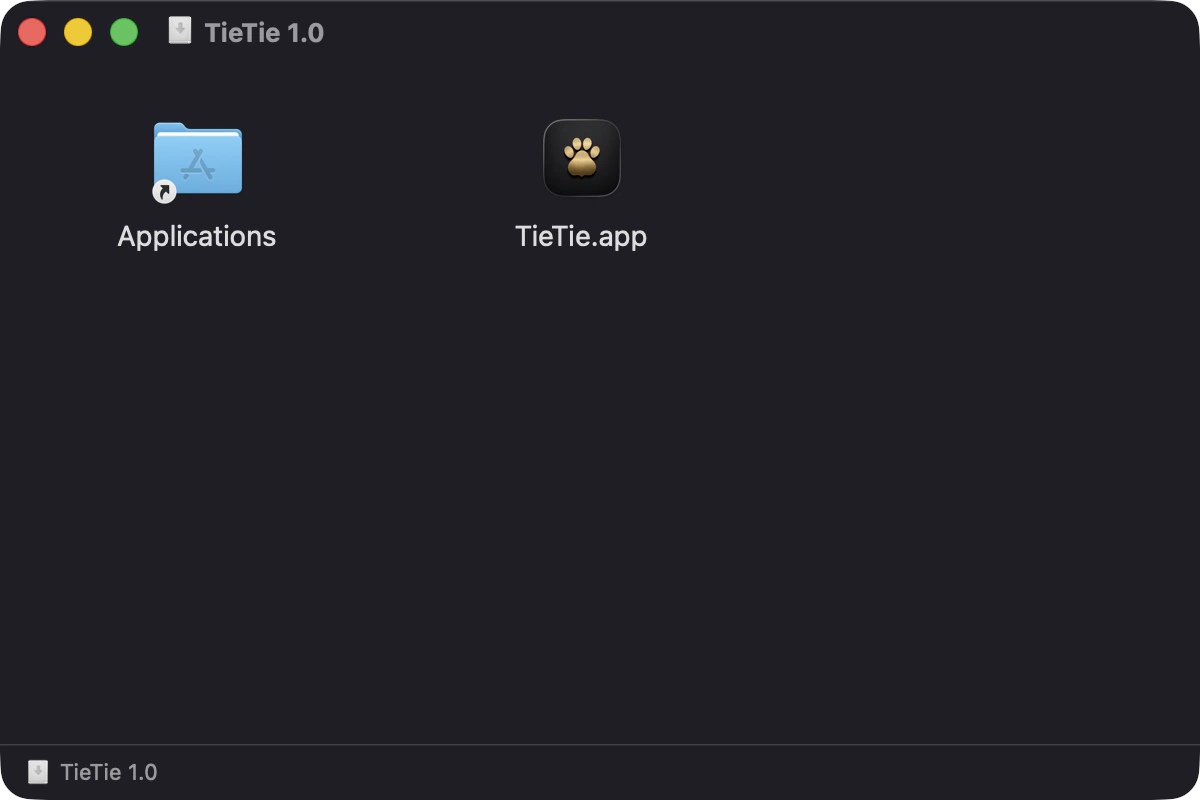
Drag it into Applications
Drop TieTie onto that Applications folder next to it, same as any other app. Once it’s there you can close the dmg and throw it away.
Open it the first time
Go to Applications and double-click TieTie. The first launch takes an extra second or two while macOS checks the signature. That’s normal.
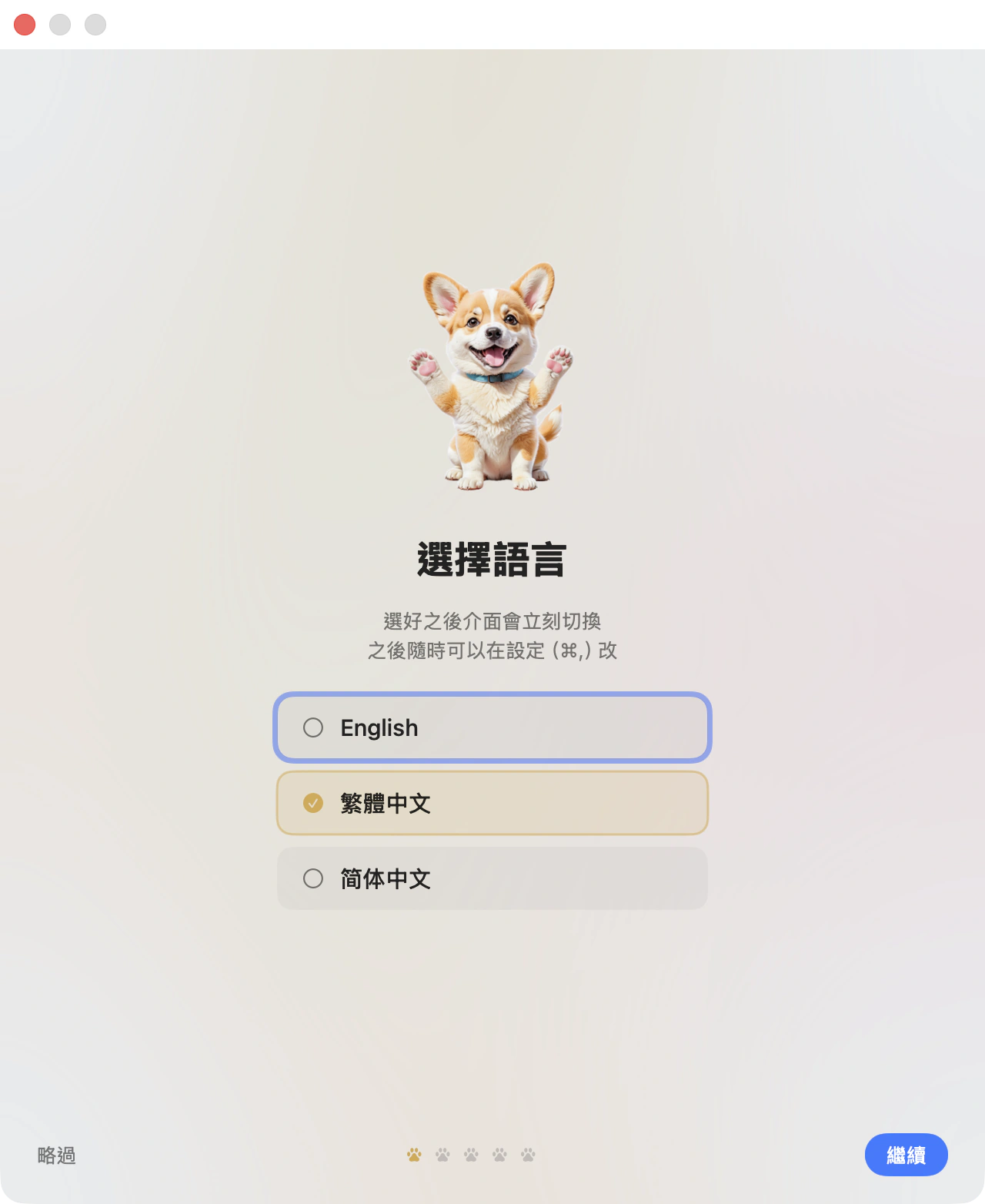
Pick a language
First page of the walkthrough. The interface switches right away, and you can change it later in Settings (⌘,).
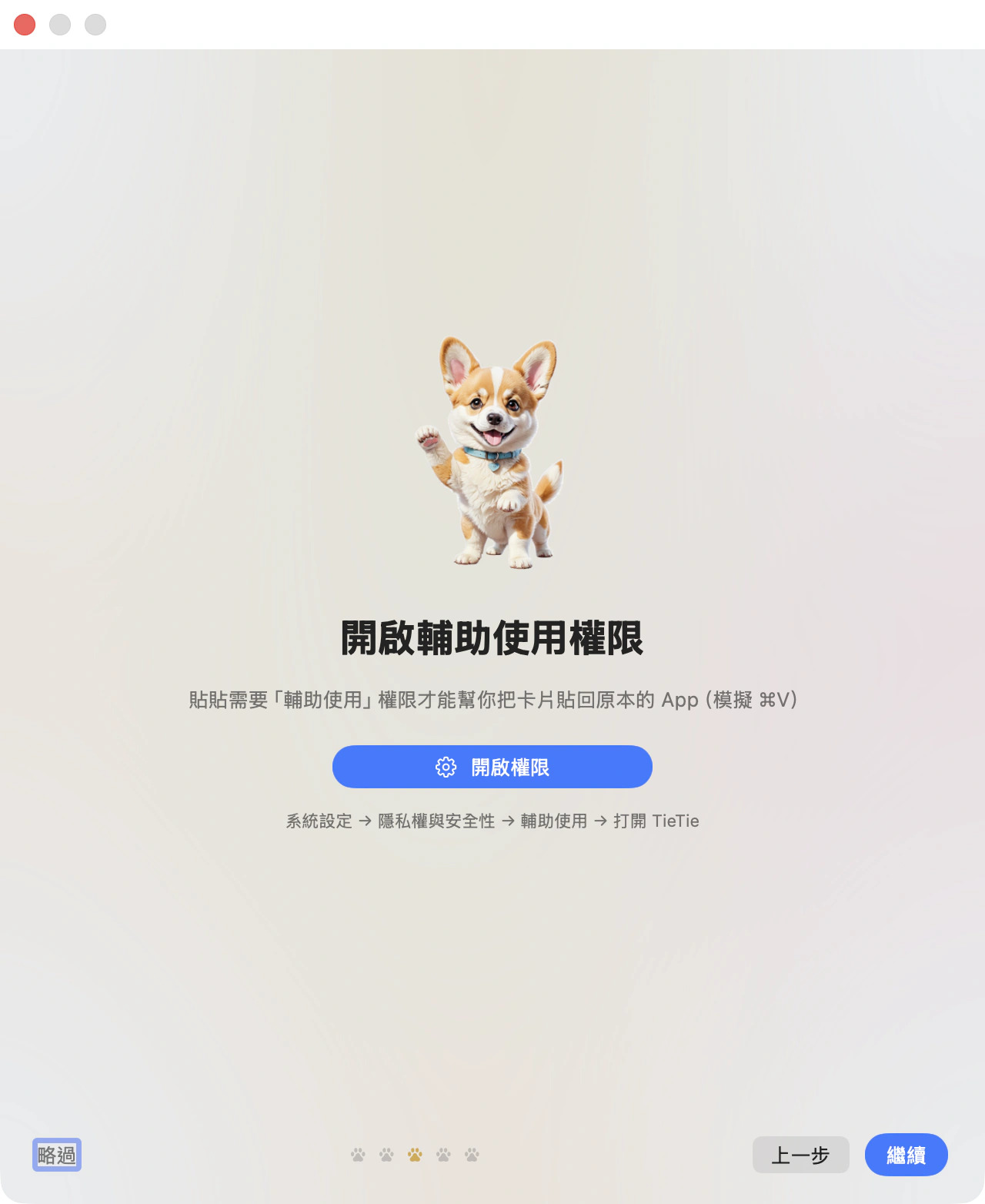
Grant Accessibility
This one’s required. TieTie needs it to paste a card back into whatever window you were in, which is the same as pressing ⌘V for you. Hit Grant Permission and macOS asks you once. Click Open System Settings in that dialog and you land on the right page, so you don’t have to go hunting. Once you’ve granted it, TieTie notices on its own. No restart.
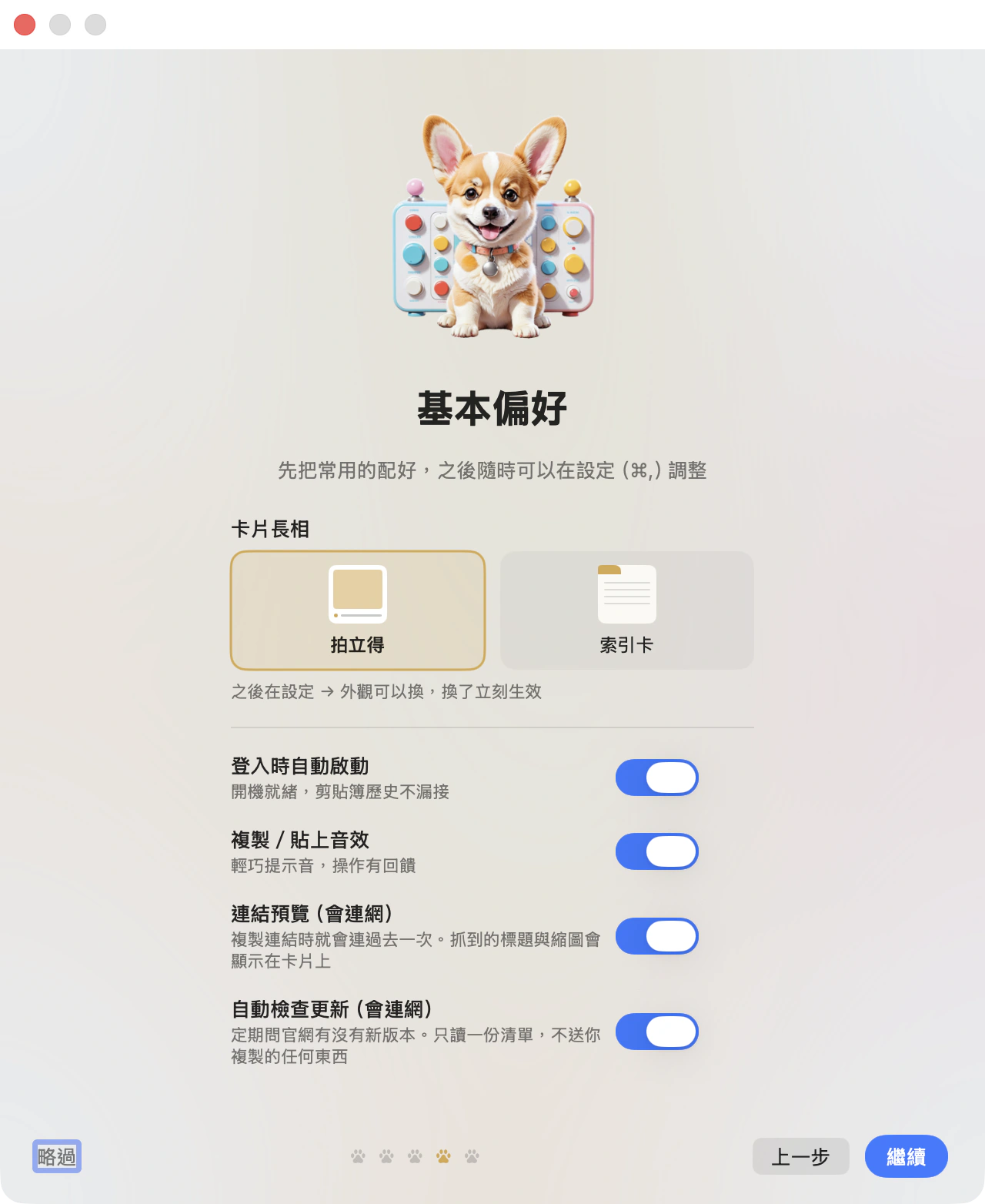
And you’re done
The last two pages let you set a few preferences, then tell you the three keys worth remembering.
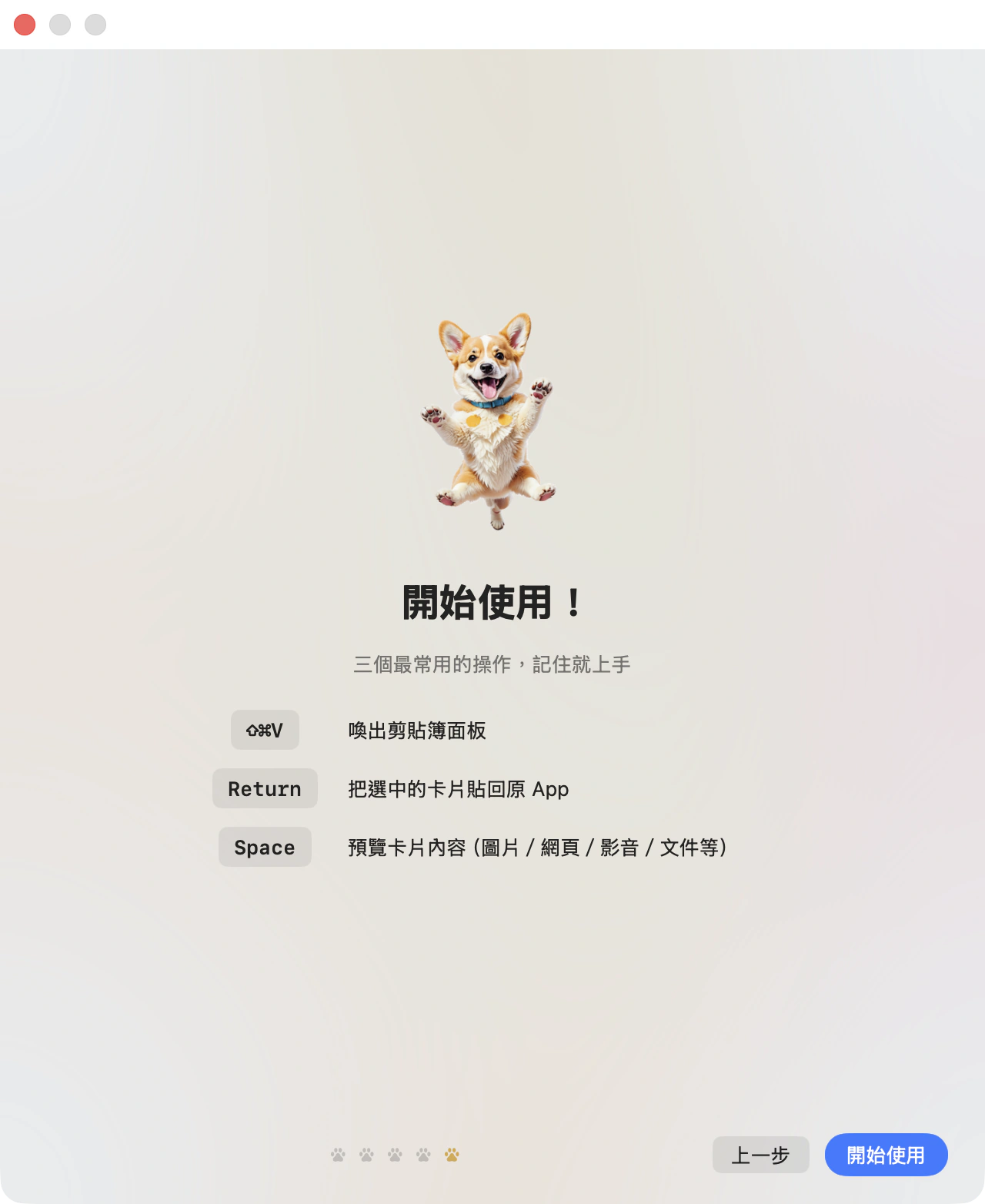
From here on TieTie keeps everything you copy. Press ⇧⌘V when you want it.

Internal build. Install it and it works.
- Every feature is in there, nothing held back
- No account and no online activation
- Updates arrive inside the app
- To remove it, drag the app to the trash. Your data sits in your own folder
7 MB · macOS 15 or later
Install it and forget about it.
It’s not fussy. Your Mac will do.
7 MB to download, 16 MB installed, one permission, no network. The list is short because there’s not much to ask for.
| System | macOS 15 (Sequoia) or newer. On macOS 26 it uses Liquid Glass materials, and older systems fall back to regular translucency |
| Processor | Native on Apple Silicon (M-series) |
| Disk | 7 MB to download, 16 MB once installed. After that it depends on how many images and files you keep |
| Permission | Accessibility, one of them. It’s how TieTie presses ⌘V to paste back into the app you came from. Works without it, pasting just becomes “put it on the clipboard” |
| Network | Not required. Link previews use it, and that feature can be turned off |
A few things you’re probably still wondering.
| Where’s my data? | ~/Library/Application Support/TieTie/.
Your clips and the files that came with them, in a format anything can open. |
| Moving to a new Mac? | Export a backup in settings, restore it on the new machine. History, categories, pins and attachments all come across, so the wall grows back exactly as you left it. |
| Will it slow things down? | It checks the clipboard every 0.3 seconds, which costs almost nothing. Animations follow your system’s motion setting, and thumbnails are released as soon as you’re done looking, so it sits in the menu bar costing you nothing. |
| Can I keep only a few days? | Yes. Set an item limit and a retention period, and anything past it gets cleared. Pinned items and anything filed in a category are exempt, since those are the ones you said to keep. |
| Intel Macs? | Apple Silicon only for now. |

Enough reading. Go download it.
7 MB, and it’s set up in about thirty seconds.