 TieTie
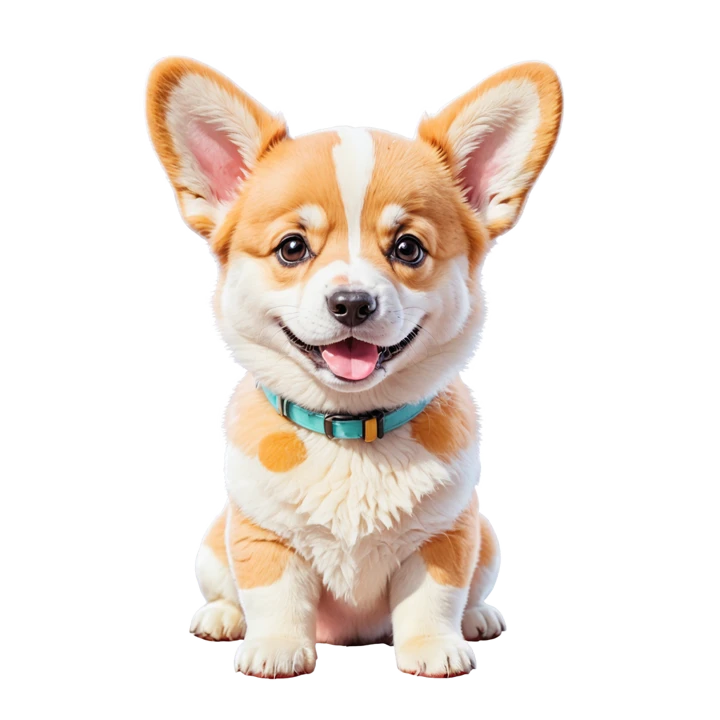
I’m the TieTie dog.
A corgi, lying on the menu bar of your Mac. TieTie is a clipboard manager for macOS and I live inside it. I watch while you copy things, and by the time you come looking, the card is already in my mouth.
Why me? Because this is the thing I love doing. Guarding your things, remembering where each one went, handing them over the moment you reach out. I’m genuinely happy doing it, and I’ve never once found the job boring.
Six places I turn up.
None of it is decoration stuck on for cuteness. Each spot is somewhere that would otherwise sit empty, or somewhere you’d get stuck.
Top left of the panel
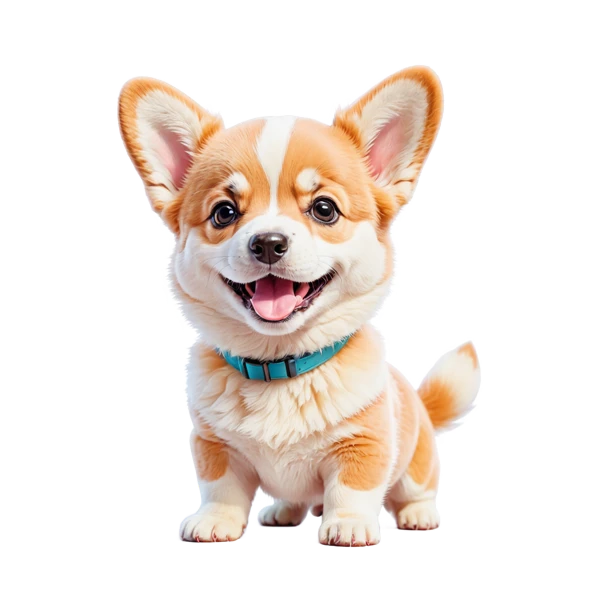
Paws on the edge of the TieTie window, peeking in. If you’d rather not have me there, the setting turns me off and I won’t take it personally. The space I was using gets reclaimed too, so the panel ends up a little shorter.
The first-run walkthrough
Five pages. Which permission is needed and why, with me standing there explaining it. Skip it whenever you want and I won’t nag.
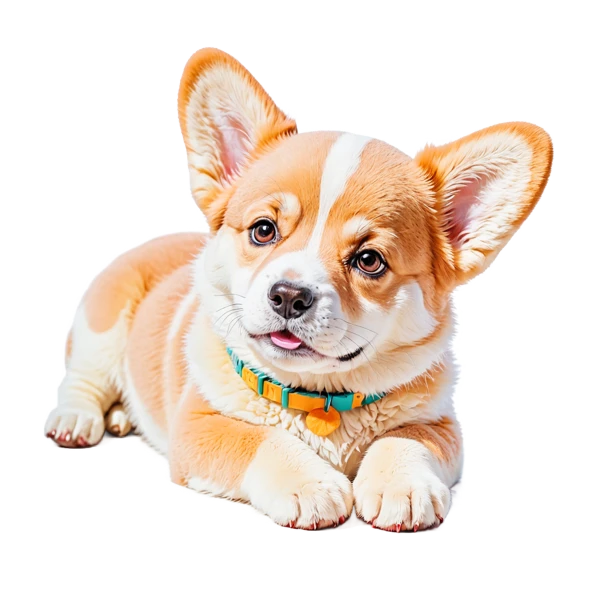
When history is empty
Fresh install, or you just cleared everything. Rather than show you a blank rectangle, I settle in and wait for you to copy something.

When a search finds nothing
Magnifying glass in hand and nothing to show for it. There’s a clear-search button next to me, so you don’t have to delete the text one character at a time.
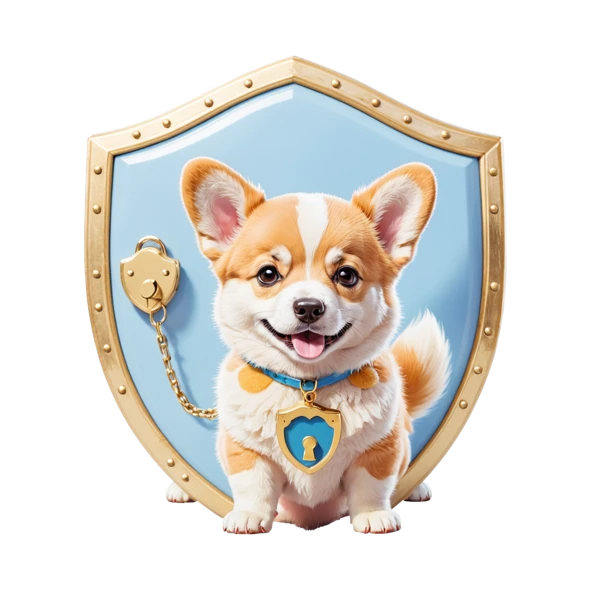
Anything about privacy
When the topic is “your data doesn’t leave this Mac,” I’m the one who says it. Guard duty is what I know best.
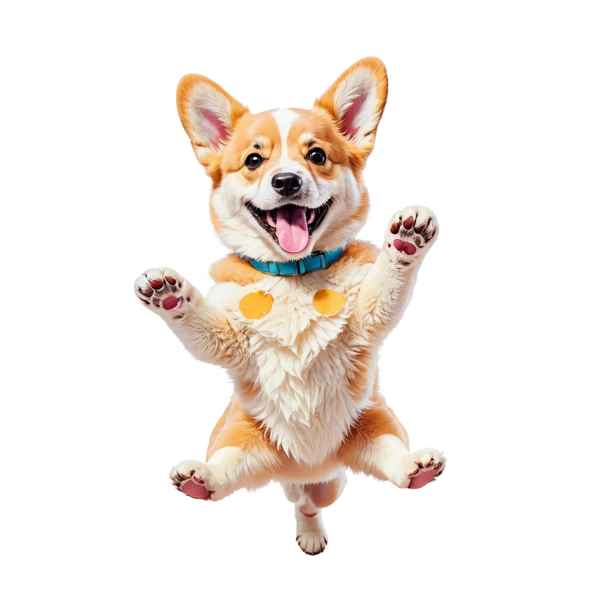
The setup-complete page
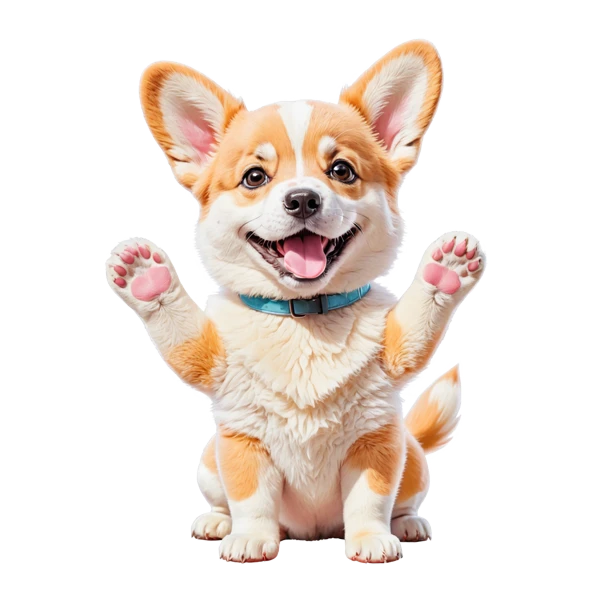
One celebration at the end of the walkthrough, and I jump higher than you do. Once, and then never again.
What I do all day.
Clipboard management sounds dull. To me it’s the best job in the world.
My favorite thing is waiting for you to hit ⌘C
I lie on that narrow strip at the top of your screen all day doing nothing, just waiting for you to copy something. The moment you do, I’m up and carrying that card inside, finding it a spot. Text with the text, images with the images, and I pick out a color on the way.
Then back down I go, waiting for the next one.
And when you finally think of “that thing from last week,” you hit ⇧⌘V and I spread the whole wall out in front of you, tail going, like I’m saying see, I kept them all. Better memory than yours, and I’ve never once found the job boring.
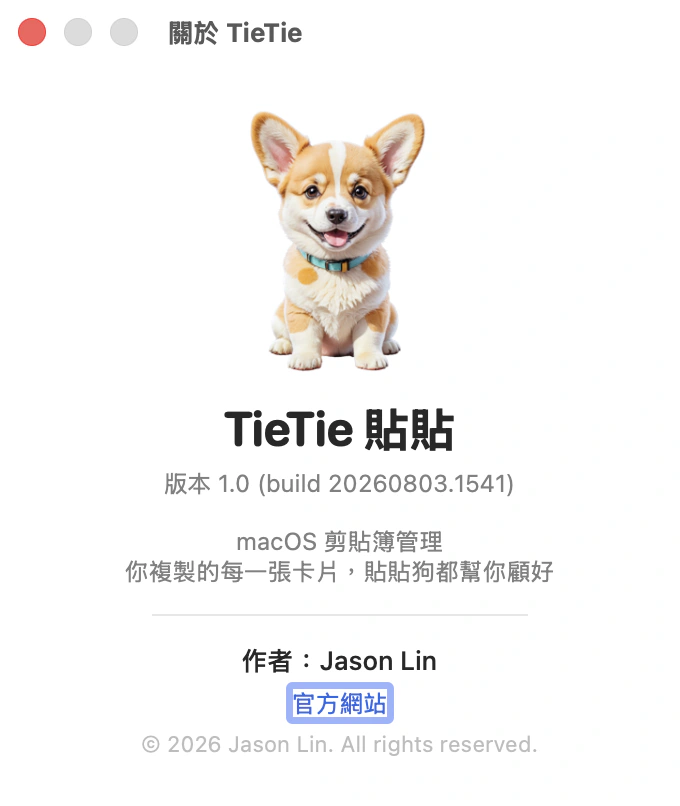
Why I’m a corgi
Short legs, low to the ground, back end wobbling when I run. The menu bar is one narrow strip, and that happens to be exactly the height I settle into. A bigger dog wouldn’t fit.
I don’t make noise
No tips popping up, no notifications, no asking you for five stars. Staying quiet is the thing I’m best at, tied with waiting for ⌘C.
I like you seeing me on duty
Poking my head over the edge is how I tell you I haven’t been slacking off. Not one thing you copied got missed. If you’re busy and would rather not be watched, settings lets me hide. I won’t take offense, and the shift gets covered either way.
Loyal as any guard dog, and I never need feeding.The TieTie dog · lives in your menu bar, consumes zero treats
Take me home.
TieTie 1.0 · macOS 15 and up · native on Apple Silicon